

The controller is the brain of every CNC milling machine. It interprets G-code, coordinates the axis movements and largely determines how precisely and reliably your machine works. But which CNC control software is the right one? We compare the four most important options.
GRBL: The Open-Source Entry Point
GRBL is a free, open-source firmware for Arduino-based controllers. It is very well suited to getting started in the CNC world and to smaller projects.
Advantages
- Free and open source
- Simple installation on Arduino Uno or Mega
- Large community and many tutorials
- Compatible with many senders (UGS, CNCjs, bCNC)
Limitations
- Maximum of 3 axes (GRBL standard) or 6 axes (grblHAL)
- No tool length compensation
- Limited computing power for complex toolpaths
- No direct support, community help only
Mach3 and Mach4: The Windows Classic
Mach3 from Artsoft has been the standard for hobby and semi-professional CNC machines for years. The newer version, Mach4, offers extended functions.
Advantages
- Supports up to 6 axes
- Tool length compensation and tool changer macros
- Large user base with many plugins
- Real-time preview of the toolpaths
Limitations
- Paid (licence approx. €150–200)
- Windows-compatible only
- Mach3 is no longer actively developed
- Requires a parallel port or a special motion controller card
LinuxCNC: The Professional Open-Source Alternative
LinuxCNC (formerly EMC2) runs on Linux and offers near-industrial functionality, and it is free.
Advantages
- Free and extremely capable
- Real-time kernel for the highest precision
- Supports any number of axes
- Tool changer, thread cutting, rigid tapping
- Highly configurable (HAL system)
Limitations
- Steep learning curve during initial set-up
- Requires Linux knowledge
- Hardware compatibility must be checked
Industrial Controllers: Plug-and-Play Solutions
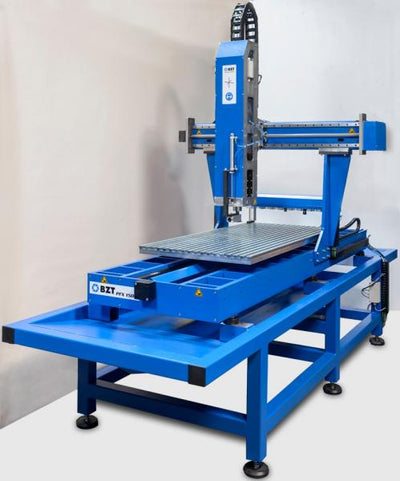
Manufacturers such as BZT offer their own control solutions matched to their machines. These are ready for immediate use and optimally matched to the mechanics.
Advantages
- Plug-and-play: No configuration effort
- Optimally matched to the respective machine
- Technical support from the manufacturer
- Integrated safety functions (emergency stop, limit switches)
- Updates and maintenance by the manufacturer
Comparison Table
| Criterion | GRBL | Mach3/4 | LinuxCNC | Industrial |
|---|---|---|---|---|
| Price | Free | approx. €175 | Free | Included in the machine price |
| Axes | 3 (6) | 6 | Unlimited | 3–5 |
| Set-up | Simple | Medium | Complex | None |
| Support | Community | Forum | Community | Manufacturer |
| Target group | Beginners | Hobby/semi-pro | Advanced users | All |
Our Recommendation
GRBL is ideal for getting started. If you need more functionality, go for Mach4 or LinuxCNC. The most convenient solution is industrial controllers: at BZT you get control packages that are perfectly matched to your gantry milling machine and delivered ready for immediate use.
Frequently Asked Questions
Which CNC controller is suitable for beginners?
For beginners we recommend GRBL with a sender such as UGS (Universal Gcode Sender). The combination is free, well documented and entirely sufficient for 3-axis machines. Alternatively, industrial plug-and-play controllers offer the simplest start.
Can I change my CNC controller later?
Yes, changing the control software is generally possible, but may require adjustments to the electronics (motion controller, drivers). With BZT machines, you can choose between different control options.


0 comments